

Hikvision
 Hikvision
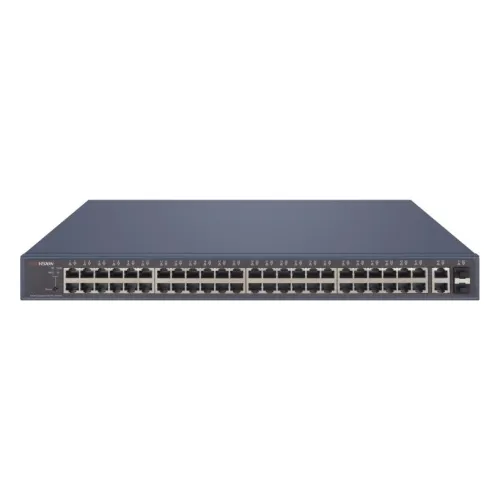
Switch DS-3E1552P-SI
2 413 ₾
In stock . Kutaisi: Out of stock. Tbilisi: Out of stock. Batumi: Out of stock
Product code: #ALL-002549
Hikvision
VAT included
VAT included
12-month warranty
Official warranty
Delivery: 1-5 days
All over Georgia
Returns 14 days
Shipping: Buyer
Installation and training
Nationwide
Powers 8 cameras at 6.5 W each
Calculate exactlySpecification | This product DS-3E1510P-SI | ||
|---|---|---|---|
609 ₾ | 2 413 ₾ | 601 ₾ Best price | |
| Power InputPower Input | 48 VDC, 2.5 A | 240 VAC | 48VDC, 2.5A |
| Power ConsumptionPower Consumption | 120 WBest value | 500 W | 120 WBest value |
| PoE PortsPoE Ports | 8 | 48Best value | 8 |
| Total PortsTotal Ports | 10 | 52Best value | 10 |
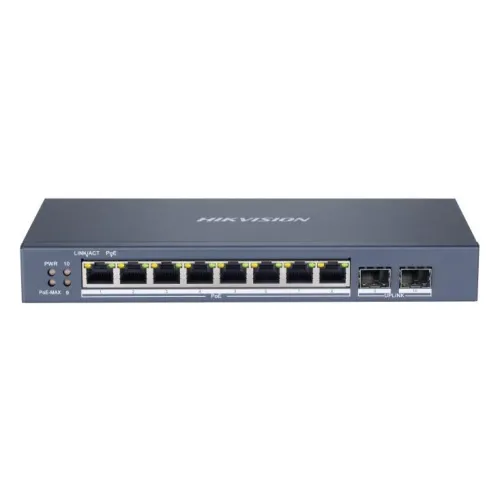
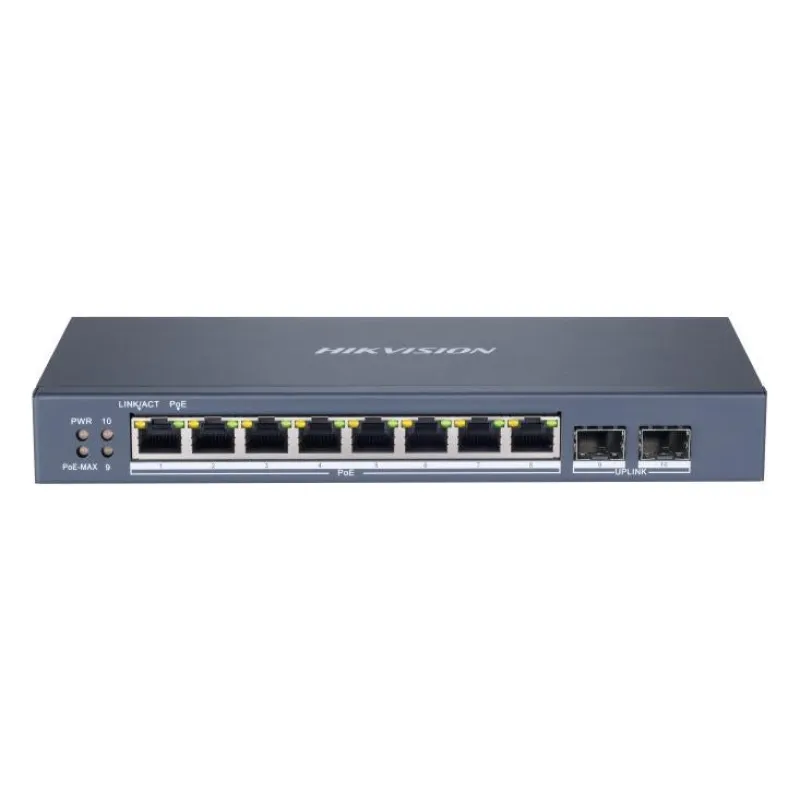
The Hikvision DS-3E1510P-SI is a smart, web-managed PoE switch with 10 Gigabit ports in total: 8 Gigabit PoE ports and 2 Gigabit fiber optical ports. The PoE ports (ports 1 to 8) support IEEE 802.3af and IEEE 802.3at and supply up to 30 W per port, within a total PoE budget of 110 W.
The switch has a desktop housing and can be placed on a desk or mounted on a wall. It offers VLAN (802.1Q), link aggregation and QoS, and it can be managed remotely through Hik-Partner Pro, which provides one-click activation.
Key features:
Manufacturer data, 23 parameters
Hikvision
In stock . Kutaisi: Out of stock. Tbilisi: Out of stock. Batumi: Out of stock
Hikvision
In stock . Kutaisi: Out of stock. Tbilisi: Out of stock. Batumi: Out of stock
Hikvision
In stock . Kutaisi: Out of stock. Tbilisi: Out of stock. Batumi: Out of stock
Hikvision
In stock . Kutaisi: Out of stock. Tbilisi: Out of stock. Batumi: Out of stock
Hikvision
In stock . Kutaisi: Out of stock. Tbilisi: Out of stock. Batumi: Out of stock
Hikvision
In stock . Kutaisi: Out of stock. Tbilisi: Out of stock. Batumi: Out of stock
Hikvision
In stock . Kutaisi: Out of stock. Tbilisi: Out of stock. Batumi: Out of stock
Hikvision
In stock . Kutaisi: Out of stock. Tbilisi: Out of stock. Batumi: Out of stock